
The Pasadena Guide to Accessibility Auditing Methods
I was taking a morning walk down South Lake Avenue yesterday, enjoying the crisp autumn air before stopping at a favorite local coffee shop. As I watched the barista warmly welcome a regular who uses a wheelchair, holding the door open and making sure the path was clear, it reminded me of what true neighborhood hospitality looks like. As Pasadena locals, people take great pride in making physical storefronts welcoming to everyone. However, when moving into the digital space, business owners sometimes forget that websites need that exact same level of neighborly care. Today, I want to talk about how you can check your digital storefronts, specifically looking at the different accessibility auditing methods available to our local community.
Think about the last time you wanted to try a new restaurant in Old Pasadena. You probably pulled up their website on your phone to check the menu, confirm their hours, or see if you needed a reservation. For most folks, this is a quick and seamless process that takes only a few seconds. But for a neighbor using a screen reader, a poorly built website turns this simple task into a frustrating ordeal. The digital front door is effectively locked, turning away a potential customer before they even have a chance to smell the delicious food.
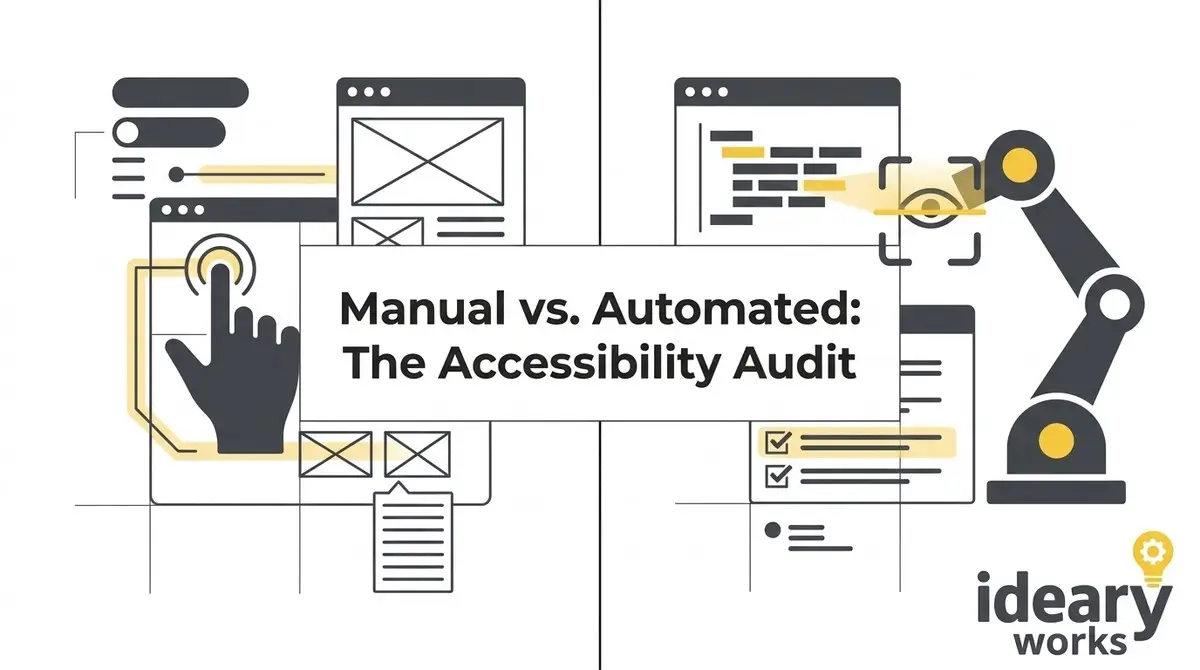
When local shop owners realize their website might be accidentally excluding people, their first question is usually about how to fix it. The process begins with figuring out exactly what is broken, which brings me to the two main options available today. On one side, there is automated scanning software that promises quick results with the click of a button. On the other side, there is manual testing performed by real human beings who navigate the web using assistive technologies. Understanding the difference between these approaches is essential for anyone who wants to build a truly inclusive community presence.
Automated Accessibility Auditing Methods
I always start by looking at automated accessibility auditing methods, which function a lot like a quick building inspection. These software programs crawl through your website code in a matter of seconds. They are programmed to look for specific structural rules, like checking if your images have descriptive text tags or if your background colors provide enough contrast. Automated tools are fantastic for catching the low-hanging fruit and scanning hundreds of web pages faster than a human ever could. They serve as a helpful first pass, much like sweeping the sidewalk before you open your doors for the day.
Despite their incredible speed, automated scanners have some significant limitations that every Pasadena business owner should understand. Industry data shows that software programs typically only catch about twenty to thirty percent of the actual barriers present on a website. They operate like a computerized spell-checker, which can tell you if a word is spelled wrong but cannot tell you if your sentence actually makes sense. A scanner might confirm that a picture has a text description attached to it in the code. However, it cannot tell you if that description is helpful or if it just says a string of confusing numbers.
Imagine relying solely on a checklist to determine if a local shop is accessible to the public. The checklist might confirm that a concrete ramp exists at the entrance. But a piece of paper cannot tell you if someone left a heavy delivery box right in the middle of that ramp. Automated tools miss the context and nuance of the human experience, and they cannot navigate a complex checkout process. This is exactly why a business cannot rely on software alone to tell them if their digital hospitality is truly up to par.
Manual Testing With Real Neighbors
This brings me to the second approach, which involves real people actively testing your website. Manual testing is the digital equivalent of walking through your store alongside a customer to see where they might get stuck. In this process, experts navigate your site using the same assistive technologies that people in our community rely on every day. They might use specialized software that reads the screen out loud, or they might try to purchase a product using only the tab and enter keys. This hands-on method reveals the true, lived experience of visiting your digital storefront.
When a human tester reviews your site, they catch the frustrating roadblocks that software completely misses. For example, if you are selling tickets for an event at the Playhouse Village, a manual tester will go through the entire purchasing journey. They will make sure that the calendar date picker actually speaks the days of the week to a visually impaired user. They will also verify that error messages clearly explain how to fix a mistake on the billing form. By putting a real human at the center of the review, you ensure that your website is genuinely usable rather than just technically compliant.
Lessons From the Makers Hive Market
I always draw a wonderful parallel between manual testing and the planning of local events like the Makers Hive Market at Pasadena Commons. The organizers of these fantastic community gatherings do not just look at a blueprint to decide if the vendor layout works. While the initial map is helpful for basic spacing, the organizers actually walk the aisles to make sure strollers and wheelchairs have plenty of room. They look for uneven ground, check the lighting, and ensure the signs are easy to read from a distance. Manual website testing applies this exact same level of boots-on-the-ground care to your digital layout.
Applying this human touch transforms a frustrating digital chore into a smooth, welcoming interaction for your visitors. It shifts the business mindset away from merely checking boxes on a list and moves everything toward genuine empathy. When you know that a neighbor using a screen reader can easily navigate your online store, you build a deeper level of trust with the community. You are sending a clear message that you value their time, respect their dignity, and genuinely want their business. This human connection is the very foundation of the hospitality I cherish in our beautiful city.
Combining Accessibility Auditing Methods
You might be wondering which of these approaches makes the most sense for your specific situation. The truth is that the best websites rely on a thoughtful combination of both strategies to stay welcoming over time. Automated tools are wonderful for regular, ongoing maintenance as you add new content to your site. When you publish a new blog post or update your holiday store hours, a quick automated scan makes sure you did not accidentally introduce a glaring error. It is a vital part of your daily digital chores, much like wiping down the counters.
However, just like you would occasionally do a deep spring cleaning of your physical store, you need periodic manual testing. Combining these two accessibility auditing methods gives you both speed and incredible depth. You get the broad coverage of the automated scan alongside the nuanced understanding of the human review. This comprehensive approach is the most reliable way to ensure you are creating a digital environment that truly serves everyone in the Pasadena area. It is how you build a website that you can be genuinely proud to share with the entire neighborhood.
Protecting Your Business and Community
There is also a highly practical side to keeping our digital doors wide open and well-maintained. I want to see as many people as possible invited into our local economy, and ignoring website barriers actively turns neighbors away. Beyond just being the right thing to do, creating a fully accessible website helps protect your business from the stress of digital accessibility lawsuits. Rather than acting out of fear, proactive testing allows you to build better, stronger relationships with your customer base. Protecting your business should always feel like a natural extension of serving your community well.
Many local business owners are pleasantly surprised to learn that there is actually financial support available for this kind of community care. The federal government offers incentives, such as the IRS disabled access credit, which can help offset the costs of making these important digital improvements. By taking advantage of these programs, you can invest in your website without straining your small business budget. When you invest in making your online spaces better, you improve the experience for everyone and boost your visibility in search engines. It is a wonderful situation where doing a good deed also makes perfect financial sense for your shop.
Creating a welcoming digital presence does not have to be a complicated or overwhelming process. It simply starts with a willingness to look at your website through the eyes of your neighbors. If you are curious about how your digital storefront currently measures up, I am always here to help you navigate the process. You can easily claim my free audit & roadmap to get a clear, jargon-free understanding of your website. I would love to help you ensure that every corner of Pasadena, both physical and digital, remains a welcoming place for all.