1 - Evaluate & Audit
Find the accessibility issues automated scanners miss.
Get a free homepage accessibility review with manual expert checks, real assistive-technology testing, and a prioritized roadmap for improving WCAG 2.2 AA compliance.
Running Deep Accessibility Scan...
- ⧗ Validating Connection & SSL...
- ⧗ Checking WCAG 2.1 AAA Contrasts...
- ⧗ Analyzing ARIA Labels & Roles...
- ⧗ Evaluating Keyboard Navigation...
- ⧗ Calculating Legal ADA Risks...
Audit Results
CRITICAL ERRORS
ALERTS
We found 0 accessibility features already implemented correctly on your site.
0%
of potential customers blocked.
Low Risk
Avg. ADA demand settlement.
Analyzing data...
0 of the detected issues are "Quick Wins" that can typically be resolved in under 15 minutes. Check the badges below!
Daily Scan Limit Reached
You have reached the limit of 3 automated scans per day. To get a true picture of your websites legal compliance and SEO potential, request a free, in-depth manual review by our team below.
Manual Audit Recommended
Our automated scanner is currently busy. Since automated tools miss most underlying accessibility barriers anyway, we recommend skipping the basic scan. Use the form below to request a comprehensive, free manual audit by our engineering team.
Enter your details below to request a free, manual evaluation of your homepage by our experts.
Why automated scans are only the starting point
Automated scanners can catch many technical issues, but they cannot fully judge context, usability, or real user experience. A missing label, confusing alt text, broken keyboard flow, or inaccessible form can still block visitors even when a scan looks clean.
-
The AI limit:
Automated tools typically catch only 30-40% of actual accessibility barriers. -
The human element:
We manually test your website's critical user flows—like contact forms, booking engines, and virtual tours—using keyboard-only navigation and industry-standard screen readers (like JAWS and NVDA). -
The real world:
We test your site exactly how a user with a disability (or a plaintiff's lawyer) would experience it.
We audit for humans, not just algorithms.
Real accessibility means your site works for real people. Here are the 4 critical areas we check manually.

Screen reader testing
We turn off the screen and navigate your site using only audio tools like NVDA and VoiceOver. If we can’t understand it, neither can your blind visitors.
Keyboard navigation
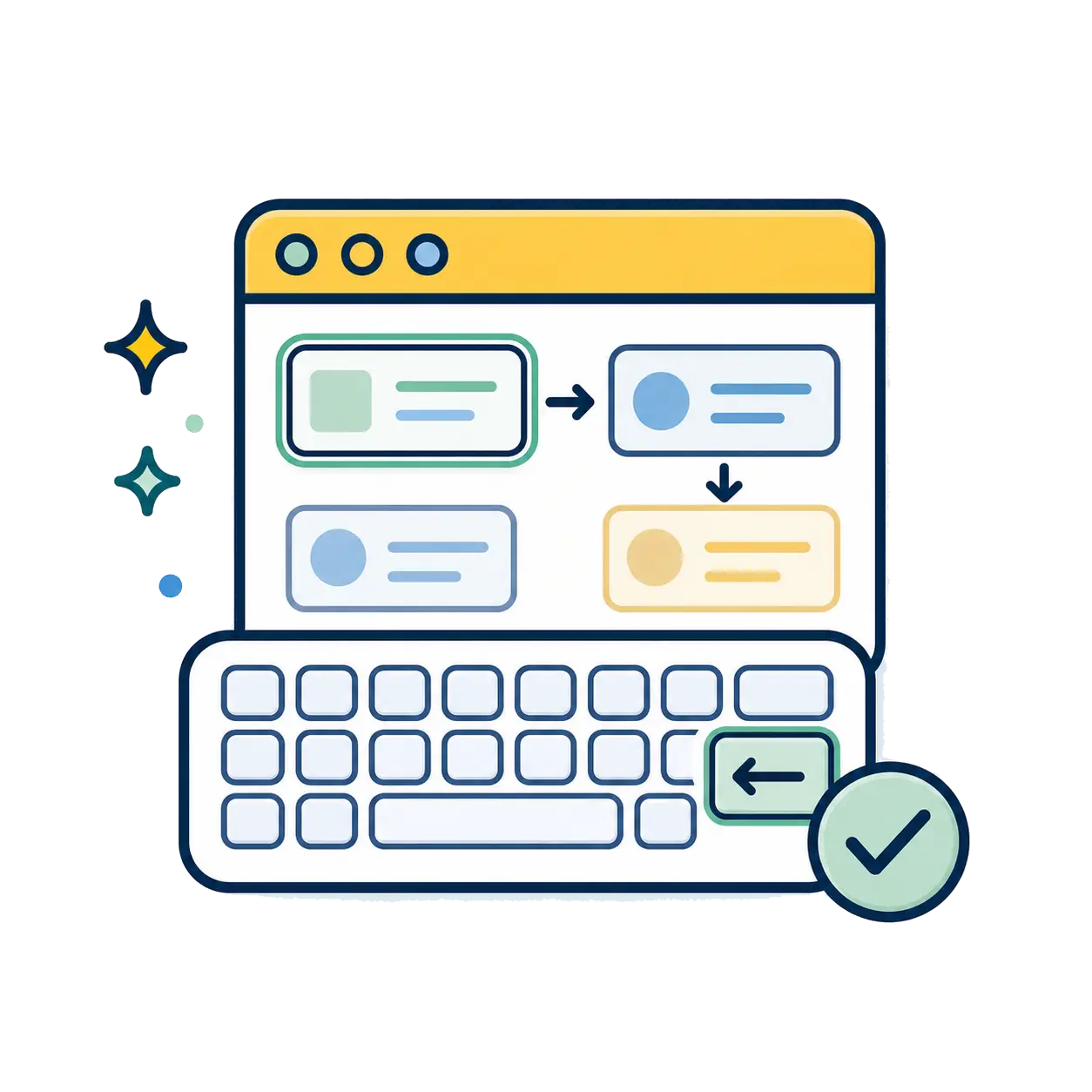
No mouse? No problem. We test if every menu, button, and popup can be used with just the Tab key. This is where most automated tools fail.
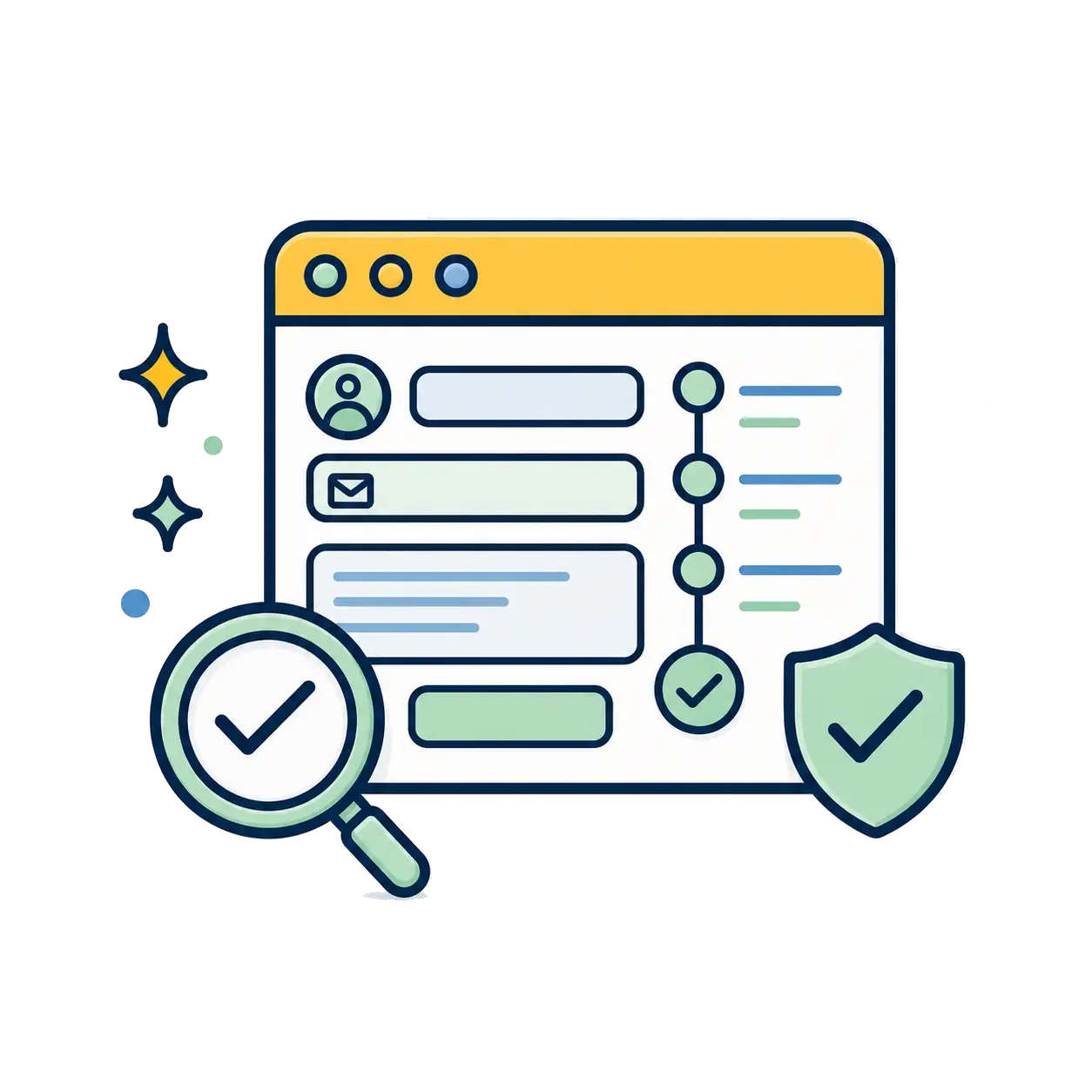
Forms & critical flows
Can a user actually buy a product or contact you? We manually test your checkout, contact forms, and error messages to ensure they are frustration-free.
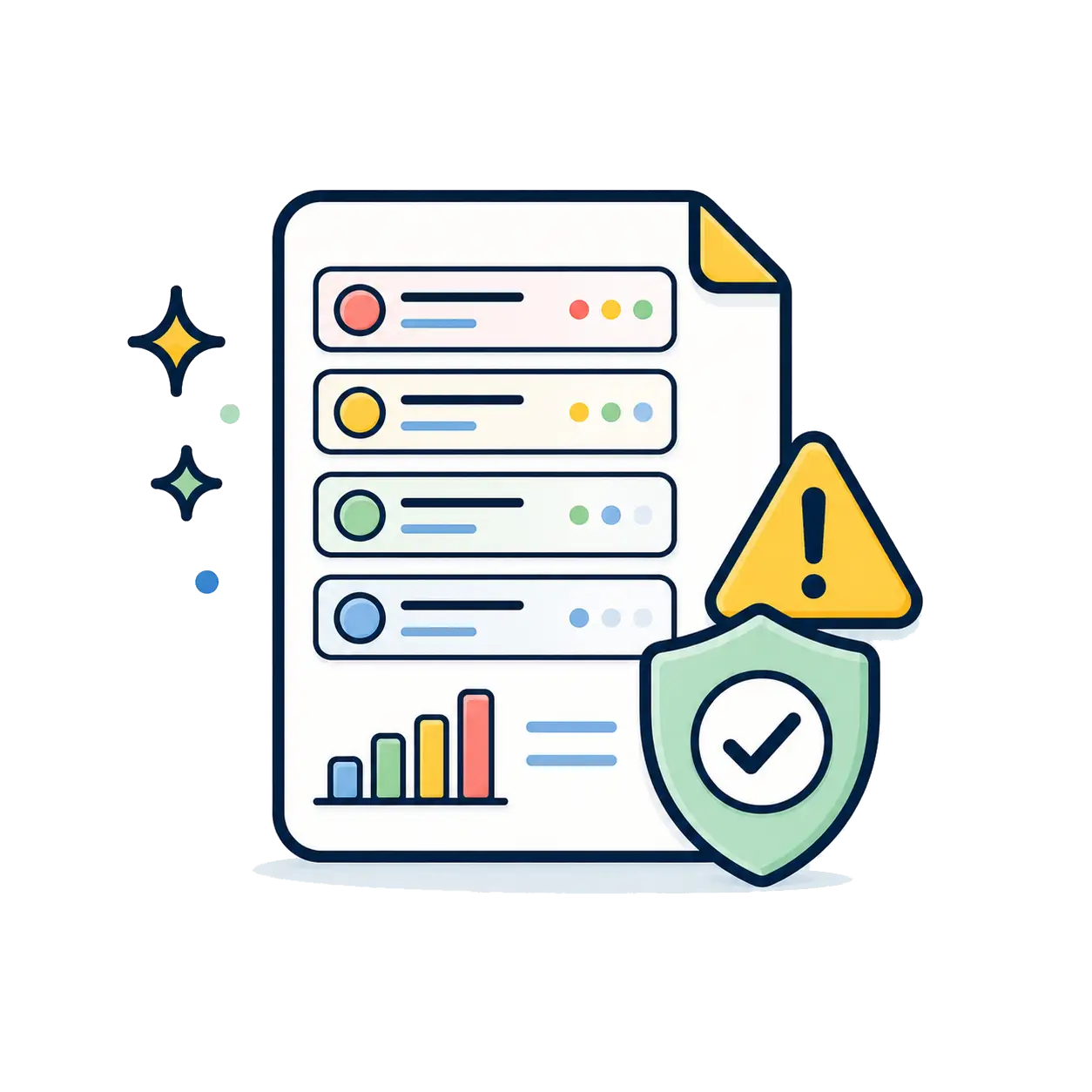
Risk prioritization
We identify the issues most likely to affect real users, conversions, and compliance risk, so you know what to fix first.
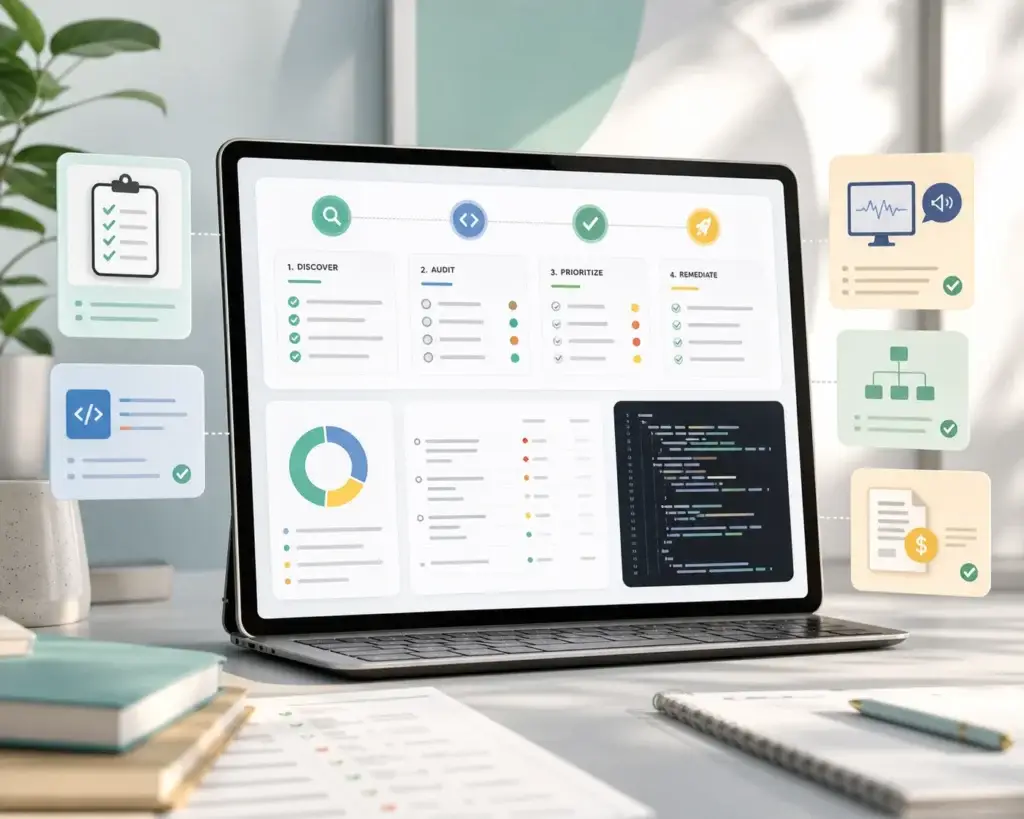
What's inside your accessibility audit report?
We don’t just hand you a confusing PDF of errors. You receive an actionable, developer-friendly roadmap designed to mitigate legal risk and improve your website’s performance.
-
Prioritized issue mapping:
Every WCAG violation is categorized by severity, showing exactly where it is and which users it affects. -
Code-level solutions:
We provide specific HTML/CSS recommendations so your development team (or ours) knows exactly how to fix the root cause. -
SEO and structure review:
We show where accessibility fixes can also improve page structure, crawlability, headings, alt text, and user experience. -
Tax credit documentation:
Guidance on utilizing the IRS Section 44 Disabled Access Credit to subsidize up to $5,000 of your remediation costs.
Frequently asked questions about our audits
How long does a manual audit take?
Because our engineers test your site’s unique templates and user flows manually, a comprehensive audit typically takes 1 to 2 weeks, depending on the size and complexity of your website.
Will this audit protect me from ADA lawsuits in California?
An audit is the crucial first step. While the audit itself identifies your legal vulnerabilities, executing the remediation plan we provide is what actually protects you from demand letters and lawsuits under the ADA and California’s Unruh Civil Rights Act.
Can't I just use the free scanner on your homepage?
Our free scanner is an excellent tool to get an immediate baseline of your website’s health. However, as noted, it only catches programmatic errors. Our manual audit goes much deeper to find complex issues within your forms, dropdown menus, and media content that automated bots miss.
Do you fix the issues you find?
Yes! Moving from Pillar 1 (Audit) to Pillar 2 (Remediation) is seamless. If you choose Ideary Works to execute the code fixes, we can apply the cost of the audit toward your remediation project.
Ready to see what your website is missing?
Request your free homepage review and get clear, practical next steps for improving accessibility, usability, and compliance readiness.
- Free homepage review
- No credit card required
- Initial review within 24 hours